精选
为什么选中它
待人工精选——以下事实来自源码仓库。
它能做什么
Bottom terminal panel plugin for DeepSeek Harness (DSH Web GUI)
适合谁
想用 DSH 获得这项能力的用户;装前建议先看源码和文档。
风险提示
- 未发现明显风险信号;安装前仍建议查看源码。
Bottom terminal panel plugin for DeepSeek Harness (DSH Web GUI)
待人工精选——以下事实来自源码仓库。
Bottom terminal panel plugin for DeepSeek Harness (DSH Web GUI)
想用 DSH 获得这项能力的用户;装前建议先看源码和文档。
dsh plugin --profile web add github:siberiah2o/dsh-plugin-terminal 作者没有声明支持的平台。
sh dsh plugin --profile web add dsh-plugin-terminal && dsh web > Note: this is a DSH (DeepSeek Harness) plugin — do not use plain npm i dsh-plugin-terminal; it must be installed through dsh plugin to activate. ## Screenshots | Collapsed | Expanded | Multi-tab | |---|---|---| | 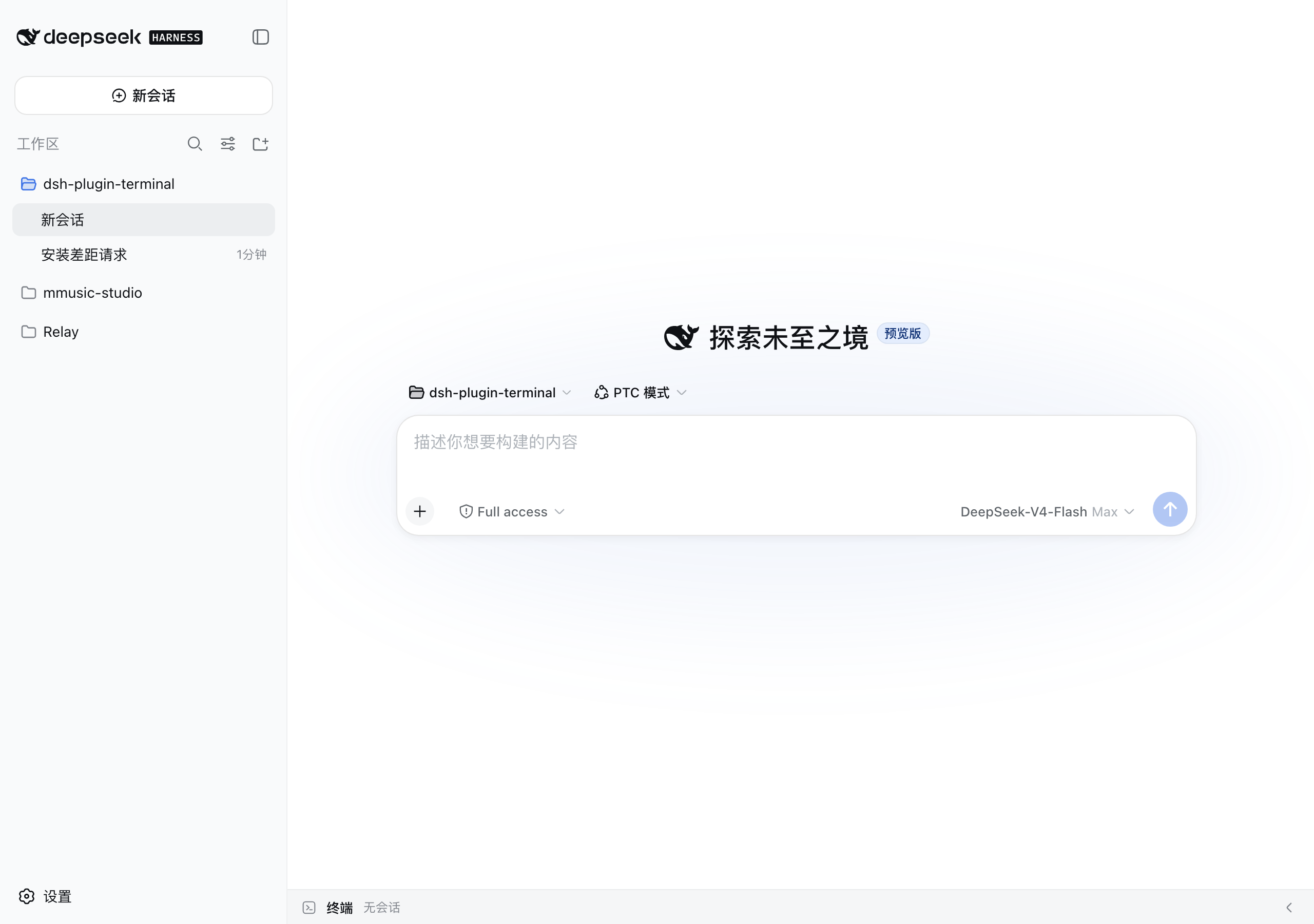 |
| 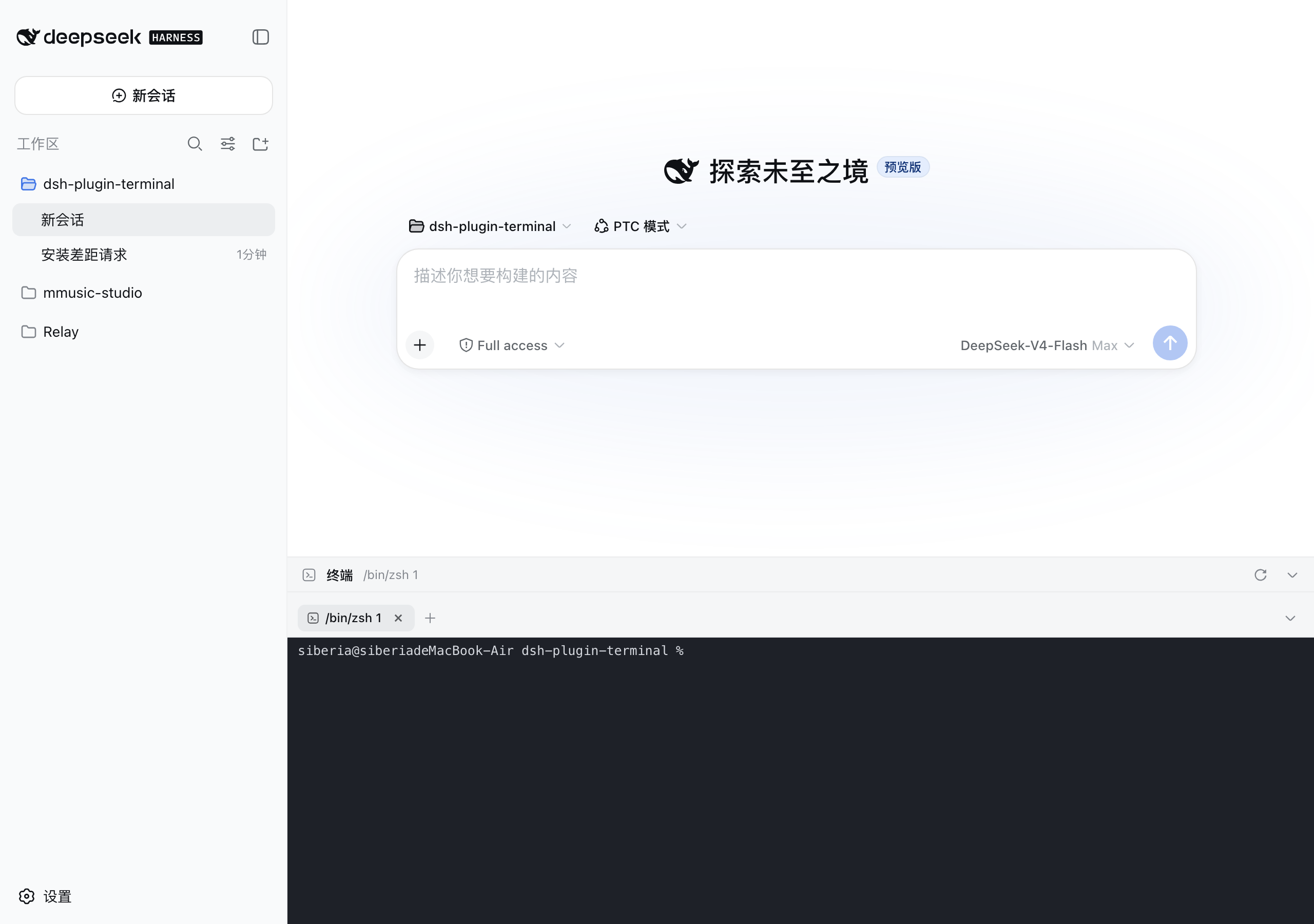 |
| 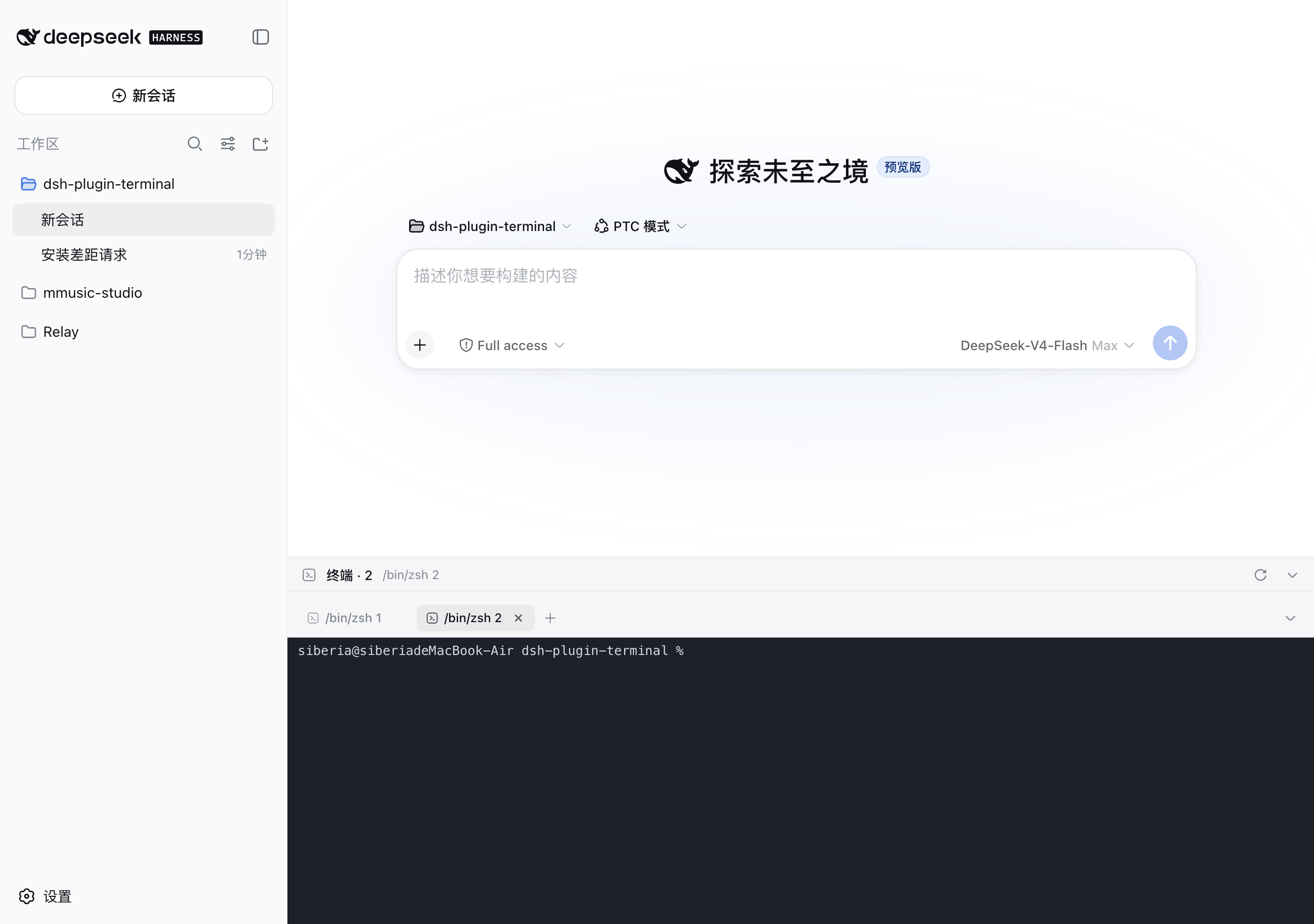 | ## Features - Bottom panel pinned to the viewport, aligned with the conversation column; the input box always stays above the terminal -
 Ctrl+`` toggles; drag the top grip to resize (120px–78% viewport, remembered) - Multi-tab: +new, ✕ close, ⟳ restart; processes keep running on tab switch; live sessions restore after refresh or workspace switch - Every terminal remembers its working directory: new tabs start in the current DSH workspace; after adsh webrestart, ⟳ brings the process back in its original directory instead of the server launch directory - **Terminals survive dsh web restarts**: session metadata + scrollback are persisted live to$DSH_HOME/plugin-data/terminal/; after a restart they come back as "exited" history tabs (full screen replay, one-click restart of the process); tabs you closed stay closed - xterm.js 6: colors, blinking cursor, alternate screen, Unicode v11 (CJK width tables), 10000-line scrollback - WebSocket duplex channel to the PTY; dark terminal surface in both light and dark themes ## Running codex / claude code in the panel These AI coding CLIs are full-screen TUIs (ANSI escapes + alternate screen + truecolor) and demand a lot from the terminal link. The plugin is tuned for them: - Child env gets TERM=xterm-256color and COLORTERM=truecolor (when unset), plus LANG/LC_ALL=en_US.UTF-8 and PYTHONIOENCODING=utf-8 on non-Windows, preventing 256-color fallback and CJK mojibake - xterm.js 6 answers OSC 10/11/12 queries out of the box (Codex theme detection via background-color query just works) - unicodeVersion "11" keeps mixed CN/EN output aligned; drawBoldTextInBrightColors: false keeps true colors on bold text; CJK fallbacks in the font stack; 10000-line scrollback (500k-char server ring buffer) If rendering still misbehaves: - **Claude Code**: run /tui fullscreen in the session (or CLAUDE_CODE_NO_FLICKER=1 claude) to switch to the flicker-free fullscreen renderer; /tui default reverts - **Inside tmux**: make sure TERM=tmux-256color and tmux >= 3.4, add set -ga terminal-overrides ',xterm-256color:RGB'` if needed - Windows mojibake: use Windows Terminal, chcp 65001, enable the "Beta: Use Unicode UTF-8" system option; fall back to WSL if it persists - Update the CLI: most rendering bugs are regressions already fixed in newer versions ## License MIT不看 Star,人工一条条挑的。
把 DSH 的 settings.yaml 做成可视化看板:所有已注册的 settings namespace——包括官方界面从未覆盖的第三方插件配置——都渲染成可编辑表单。项目还早,但方向很对:告别手改 YAML。
给 DSH 的 DIY 轨迹可视化:把 agent 的计划与执行画成图,不用翻原始日志也能看清它在干嘛。项目还早,但补上了「一眼看懂 agent 在做什么」这个真实缺口。
从 Claude Code / Codex 把活派给 DSH:在宿主内拉起带分级预设的 DSH agent 会话,看原生子代理进度,还能借它的多模态桥给纯文本的 DSH 补上视觉和生图。编排型插件,把 DSH 变成其他编码 agent 的后端。