Open Design: The open-source Claude Design alternative
⚡ Open Design Cloud — the official model service. One recharge to use both agent and image models inside Open Design: GPT, Claude, and DeepSeek for agents; GPT Image 2.0, Seedream 5.0 Pro, and Nano Banana 2.0 for images.
🚀 DeepSeek V4 Flash and V4 Pro are now available. Put top-tier intelligence to work across prototypes, decks, design systems, and everyday agent tasks. Open Design members can use both models without limits for two weeks, directly inside the app.
🧩 DeepSeek Harness is now supported. Connect DeepSeek's official
dshagent harness to Open Design as a native runtime, with structured thinking, tool calls, model discovery, cancellation, and session resume. Generated files stay in the Open Design workflow for live preview and delivery.

Website · Download · Open Design Cloud · Discord · Feishu Chinese Community · Follow @OpenDesignHQ




English · Español · Português · Deutsch · Français · 简体中文 · 繁體中文 · 한국어 · 日本語 · العربية · Русский · Українська · Türkçe · ภาษาไทย
What is Open Design
🎨 The open-source Claude Design alternative. 🖥️ Local-first native desktop app for macOS and Windows. ⚡ Composable skills, brand-grade DESIGN.md design systems, and ready-to-use plugins. 🖼️ Generates web · desktop · mobile prototypes, live dashboards / artifacts, decks, images, video, plus HyperFrames motion graphics. 🔒 Sandboxed iframe preview · HTML / PDF / PPTX / MP4 export. 🤖 Runs on DeepSeek Harness (dsh) · Claude Code · OpenClaw · Codex · Cursor · OpenCode · Qwen · Copilot · Amp · Hermes · Kimi · Antigravity and 26 distinct local CLI executables, or any OpenAI-compatible endpoint via BYOK.
Open Design is what you get when the agent-native loop Anthropic shipped with Claude Design — discover the brief, lock the direction, stream the artifact, critique, deliver — stops being closed and becomes a filesystem of functional skills, rendering design templates, design systems, and plugins that the coding agents already on your laptop can read, write, and remix. Your CLI becomes the design engine, your laptop becomes the studio, and your team's DESIGN.md becomes the brand contract.
It's also the Figma alternative for the agent era — instead of pushing pixels on a canvas, it delivers single-page artifacts in real CSS, real fonts, real components, exported straight to HTML / PDF / PPTX / MP4 — already shaped by your design system, already runnable inside the agent you use every day.
Product tour
A quick look at the core Open Design workflow. Start from Home with a brief, explore reusable skills in Plugins, and turn brand references into a Design System. Then enter a project's Studio to create and refine prototypes, decks, mobile apps, images, documents, and HyperFrames in one place.
Core pages
 Home — choose an artifact type, enter a brief, and set the design system, working directory, and model before you start. |
 Plugins — browse official skills by category, search the catalog, and launch a workflow with Try it.
|
 Design System — extract and refine a brand's visual language, preview the result, and create with it in the same workspace. |
Studio — many artifact types in one project
Inside a project's Studio, the conversation, generated files, and live preview stay together across six artifact types:
 Prototype — generate or reconstruct web experiences, inspect the rendered page, and iterate with the agent in place. |
 Deck — create multi-slide presentations, review thumbnails and speaker notes, and export when ready. |
 Mobile app — generate and polish mobile interfaces in a device preview, with the conversation, output files, and next-step actions beside it. |
 Image — generate visual assets from the project conversation, preview the result at full size, then download or open it. |
 Document — create polished, multi-page guides and editorial documents, inspect the rendered layout, and export or share when ready. |
 HyperFrame — build code-driven motion graphics, preview the animation inside Studio, and export the finished video. |
Platform Compatibility
Open Design connects to mainstream coding agents in two ways: skills, CLI, and MCP for agents that consume OD, plus native runtime adapters for agents that OD launches directly. DeepSeek Harness is a first-class native runtime through the official
dshCLI, with structured streaming, model discovery, cancellation, and session resume.
| Coding agent / platform | Status | Quick setup |
|---|---|---|
| Claude Code | ✅ Supported | od mcp install claude |
| Claude Desktop | ✅ Supported¹ | od mcp install claude-desktop |
| Codex CLI | ✅ Supported | od mcp install codex |
| DeepSeek Reasonix | ✅ Supported | od mcp install reasonix |
| DeepSeek Harness | ✅ Native runtime | od agent setup deepseek-harness |
| Raven | ✅ Supported | od mcp install raven |
| Cursor | ✅ Supported | od mcp install cursor |
| VS Code + GitHub Copilot | ✅ Supported | od mcp install copilot |
| GitHub Copilot CLI | ✅ Supported | od mcp install copilot |
| OpenCode | ✅ Supported | od mcp install opencode |
| OpenClaw | ✅ Supported | od mcp install openclaw |
| Antigravity | ✅ Supported | od mcp install antigravity |
| Cline | ✅ Supported | od mcp install cline |
| Trae | ✅ Supported | od mcp install trae |
| Kimi CLI | ✅ Supported | od mcp install kimi |
| Kiro | ✅ Supported | od mcp install kiro |
| Pi Agent | ✅ Supported | od mcp install pi |
| Mistral Vibe CLI | ✅ Supported | od mcp install vibe |
| Hermes Agent | ✅ Supported | od mcp install hermes |
For DeepSeek Harness, install the official dsh CLI first, then select it in Open Design or run od agent setup deepseek-harness to install/repair OD's connection component. For MCP integrations: od mcp install <agent> --print for a dry-run preview · --uninstall to remove · full list with od mcp install --help.
¹ Automatic MCP configuration for Claude Desktop is currently supported on macOS and Windows only.
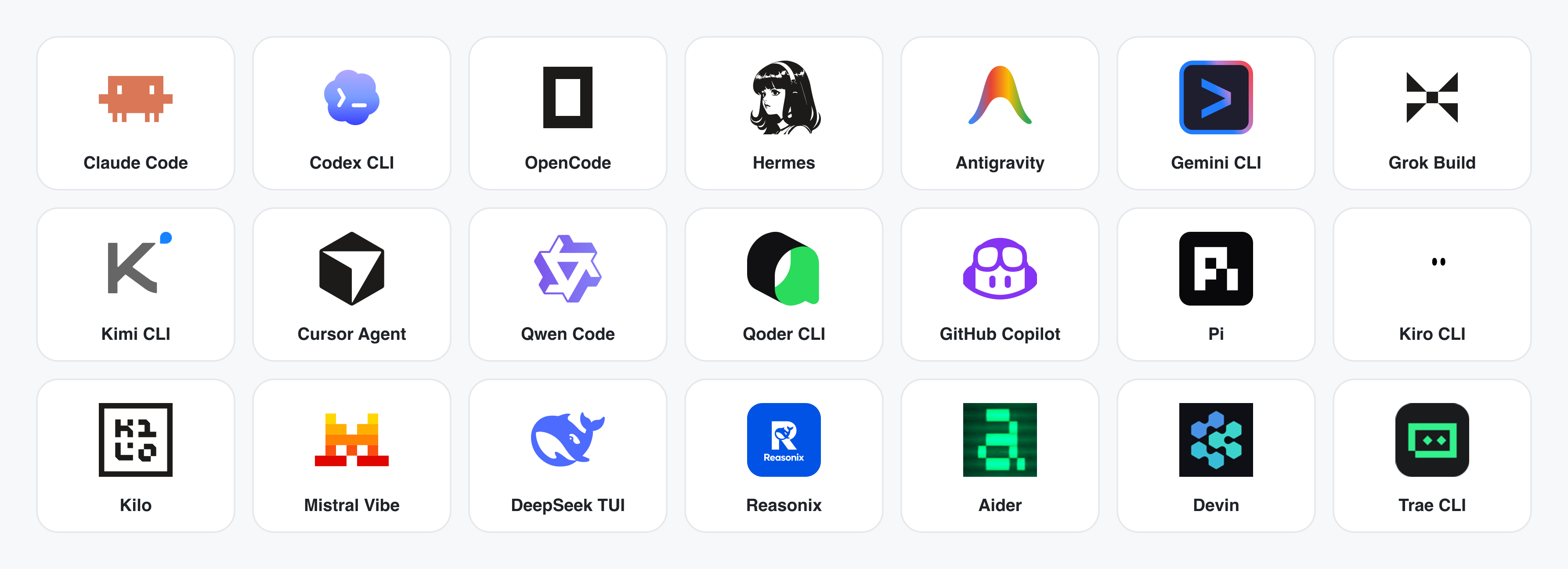
No CLI installed? The BYOK proxy at POST /api/proxy/{anthropic,openai,azure,google,ollama,senseaudio}/stream gives you the same loop (no process spawn) — paste baseUrl + apiKey + model, with presets for OpenAI, Atlas Cloud, Anthropic, Azure OpenAI, Google Gemini, Ollama, LM Studio, vLLM, or any OpenAI-compatible endpoint. Atlas Cloud uses https://api.atlascloud.ai/v1 with your own key and OpenAI-compatible model ids such as qwen/qwen3.5-flash. Per-target SSRF protection blocks internal IPs / link-local / CGNAT at the daemon edge.
Runtime definitions live in apps/daemon/src/runtimes/defs/, with registration and shared stream handling under apps/daemon/src/runtimes/. See docs/agent-adapters.md for the adapter contract.
Demo
Four core product categories, all rendered by a coding agent running on your laptop. Click a thumbnail to see the real example.
1 · Prototypes — web · desktop · mobile
The default output surface. Single-page HTML artifacts that read your DESIGN.md and render in a sandboxed iframe.
 Web prototype — an editorial dashboard with scrollbars, KPIs, and charts. Rendered straight from design-templates/dating-web/.
|
 Mobile app prototype — a three-screen gamified flow with XP ribbons and quest detail. Hand off straight to Cursor / Codex / Claude Code to turn into React/Next/Vue. |
2 · Live artifacts & dashboards
Live dashboards, decision rooms, KPI walls — single-page artifacts that pull data through a tweaks panel and stay editable in place.
 Live dashboard — an editable KPI wall whose tweaks panel surfaces the parameters worth nudging. The agent emits a manifest, and the iframe re-renders without a reload. |
 Decision room — a multi-source briefing artifact for product / research / ops meetings. |
 GitHub-style dashboard — repo metrics presented as a live artifact. |
 Flow live-dashboard template — a domain-specific KPI template, branded through the active DESIGN.md.
|
3 · Decks — magazine decks, weekly updates, pitches
 Deck mode (guizang-ppt) — magazine layouts, WebGL hero, P0/P1/P2 checklists. Bundled verbatim from op7418/guizang-ppt-skill with its original license preserved.
|
 Swiss International-style deck — grid-anchored, monochrome accents. One of 15 deck templates and 36 themes under design-templates/html-ppt-*/.
|
Every deck exports to HTML (single file, inlined assets), PDF (browser print, deck-aware), PPTX (agent-driven skill), ZIP (archive), or Markdown.
4 · Images — gpt-image-2, ImageRouter, custom API
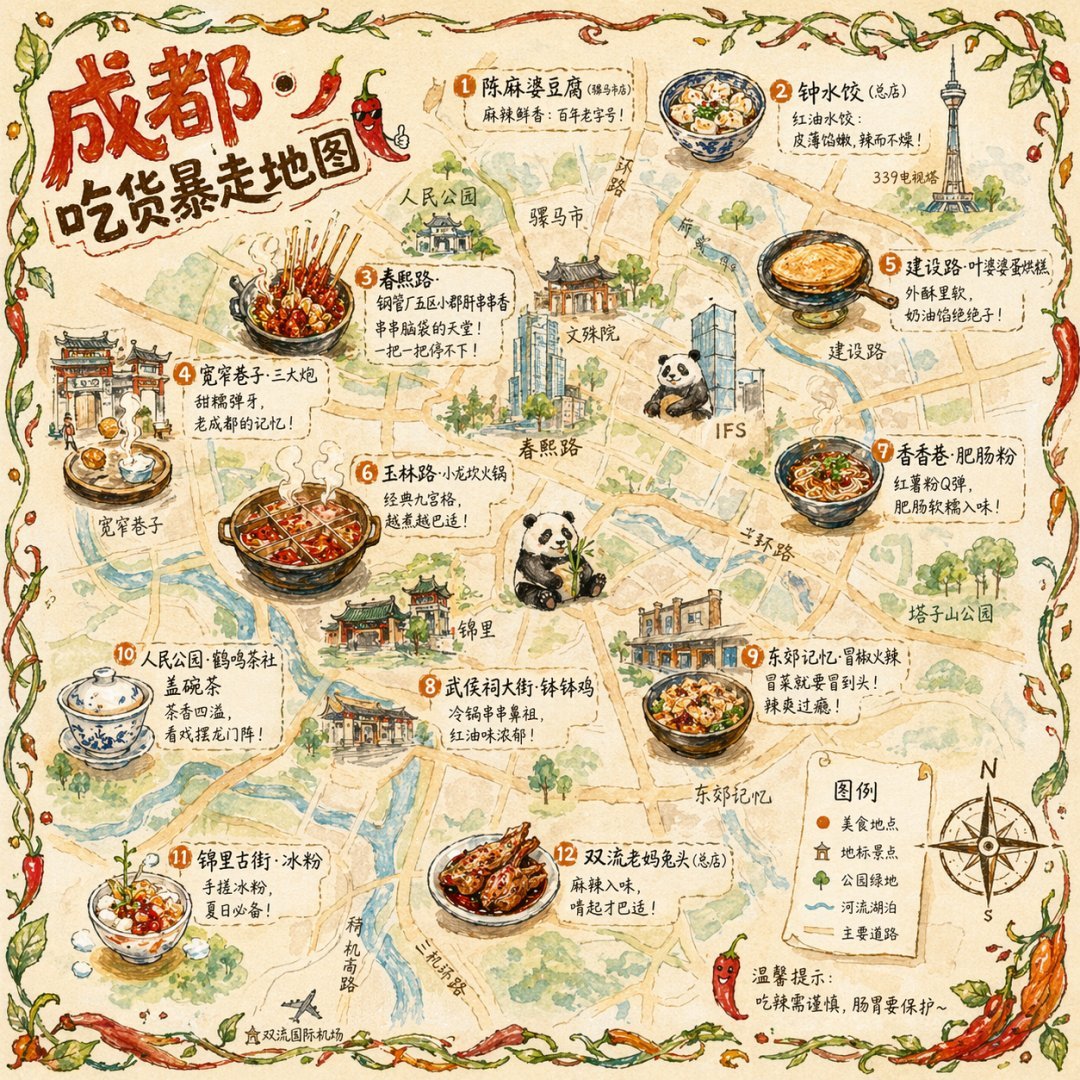 Illustrated city food map Hand-drawn editorial travel poster |
 Cinematic elevator scene Single-frame editorial still |
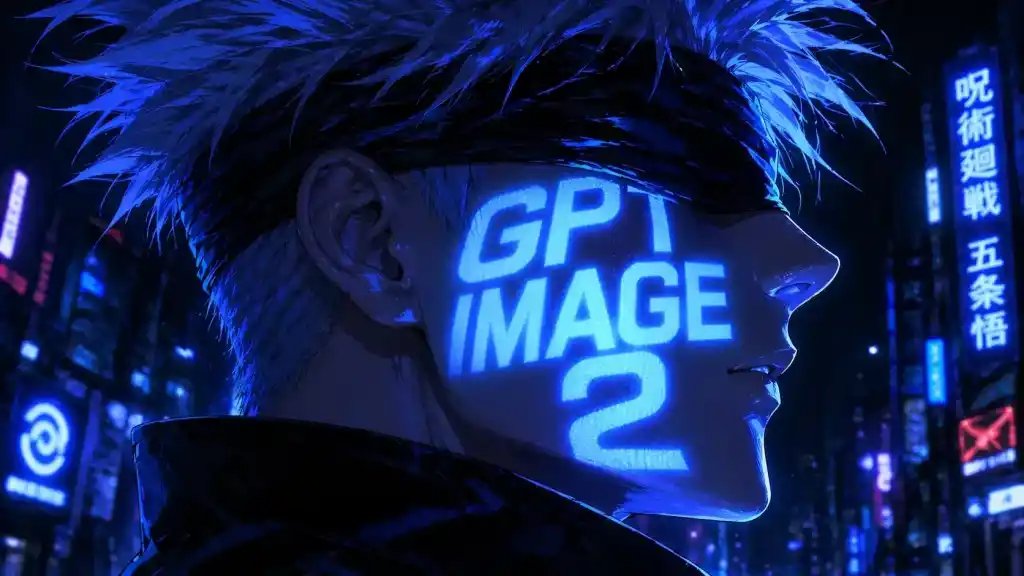 Cyberpunk portrait Profile avatar — neon face text |
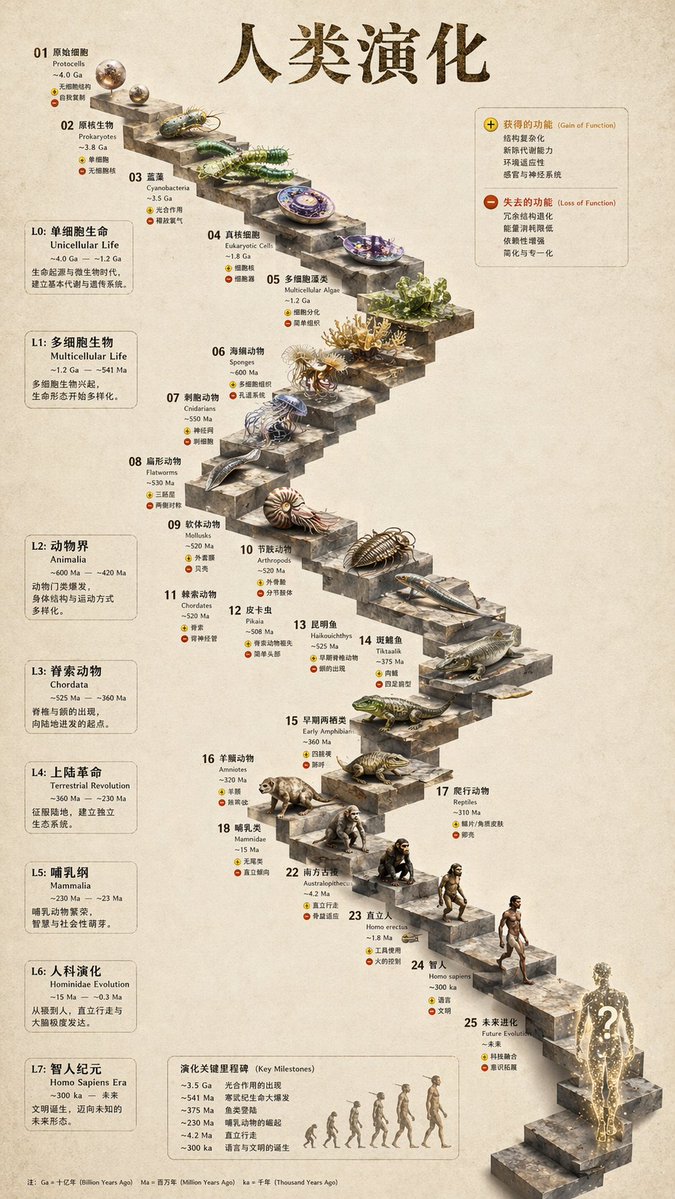 3D stone staircase Hewn-stone infographic |
 Glamorous portrait Editorial studio shot |
93 ready-to-replicate prompts live in prompt-templates/ — preview thumbnails, full prompt body, target model, aspect ratio, and source attribution. One click drops a brief into the composer.
5 · Video & HyperFrames — agent-native motion graphics
HyperFrames is HeyGen's open-source, agent-native video framework, integrated as a first-class citizen in Open Design. The agent writes HTML + CSS + GSAP, and HyperFrames renders it to a deterministic MP4 via headless Chrome + FFmpeg. Pair it with Seedance 2.0 for cinematic t2v / i2v, Veo 3 / Sora 2 / Kling 2 for routed model variants, and Suno v5 / Lyria 2 for the audio layer.
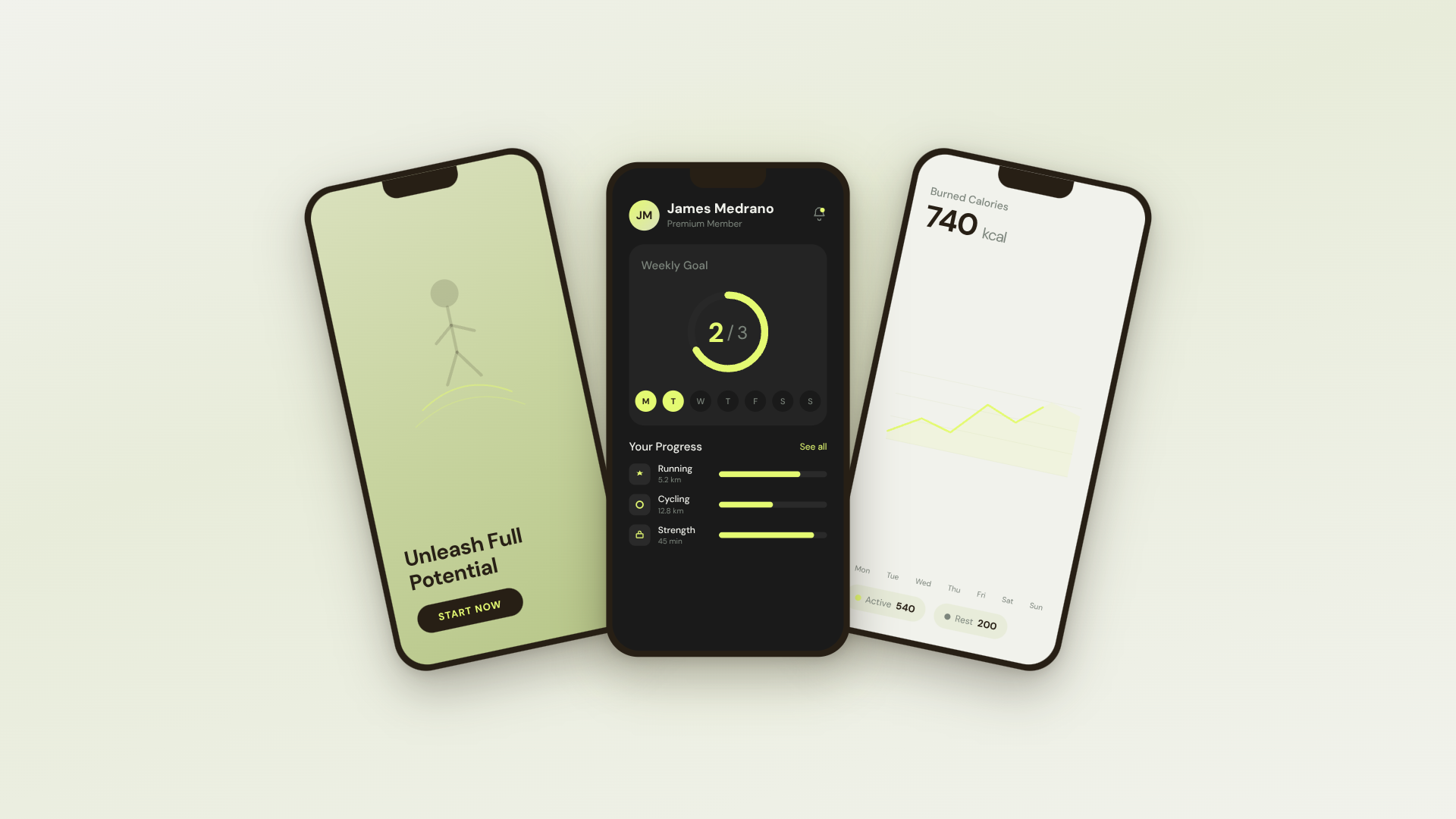 30s SaaS product promo · 16:9 · UI 3D reveals |
 TikTok karaoke talking-head · 9:16 · TTS + word-synced captions |
 30s brand sizzle reel · 16:9 · audio-reactive kinetic type |
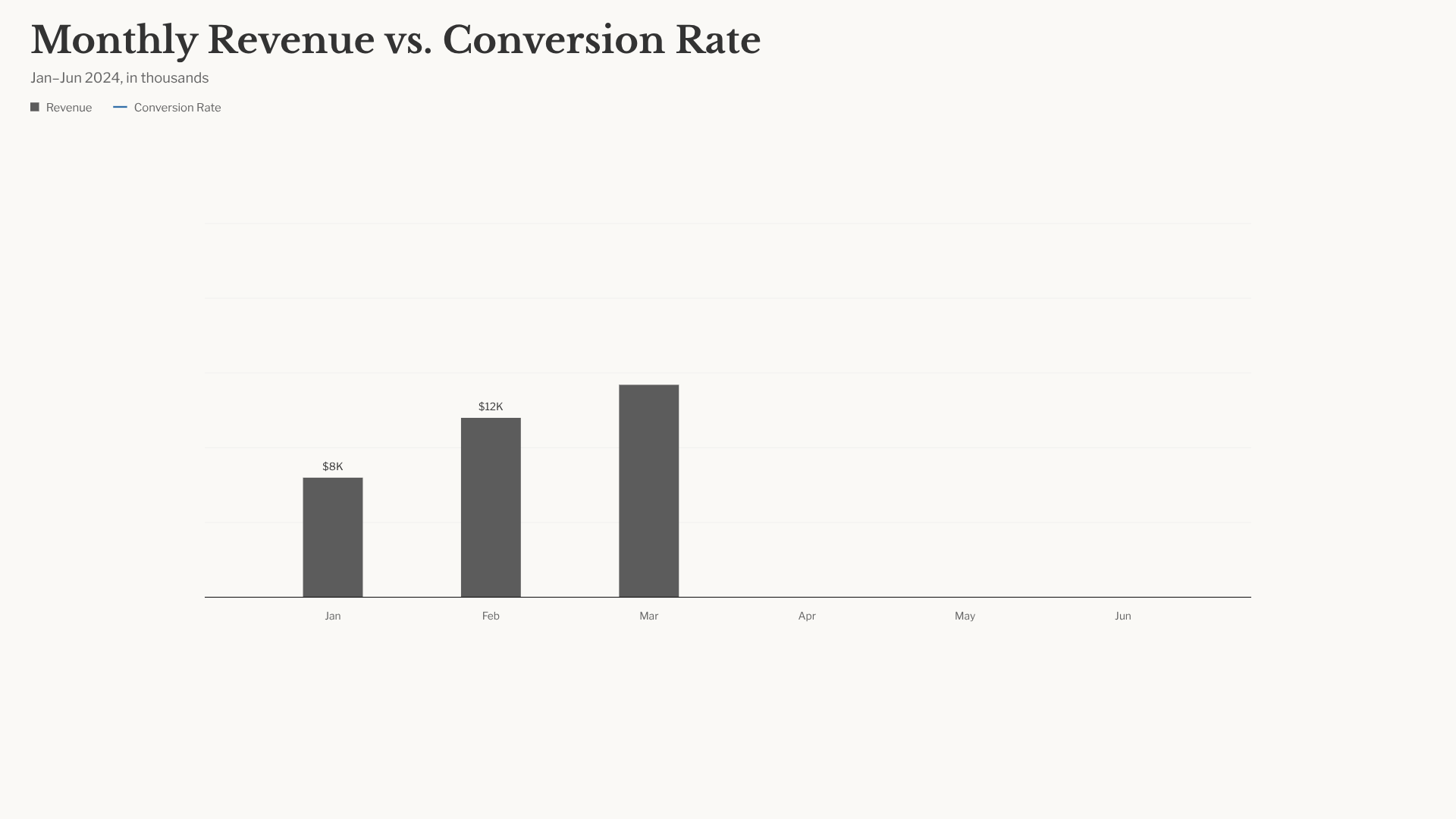 Bar chart race · 16:9 · NYT-style data infographic |
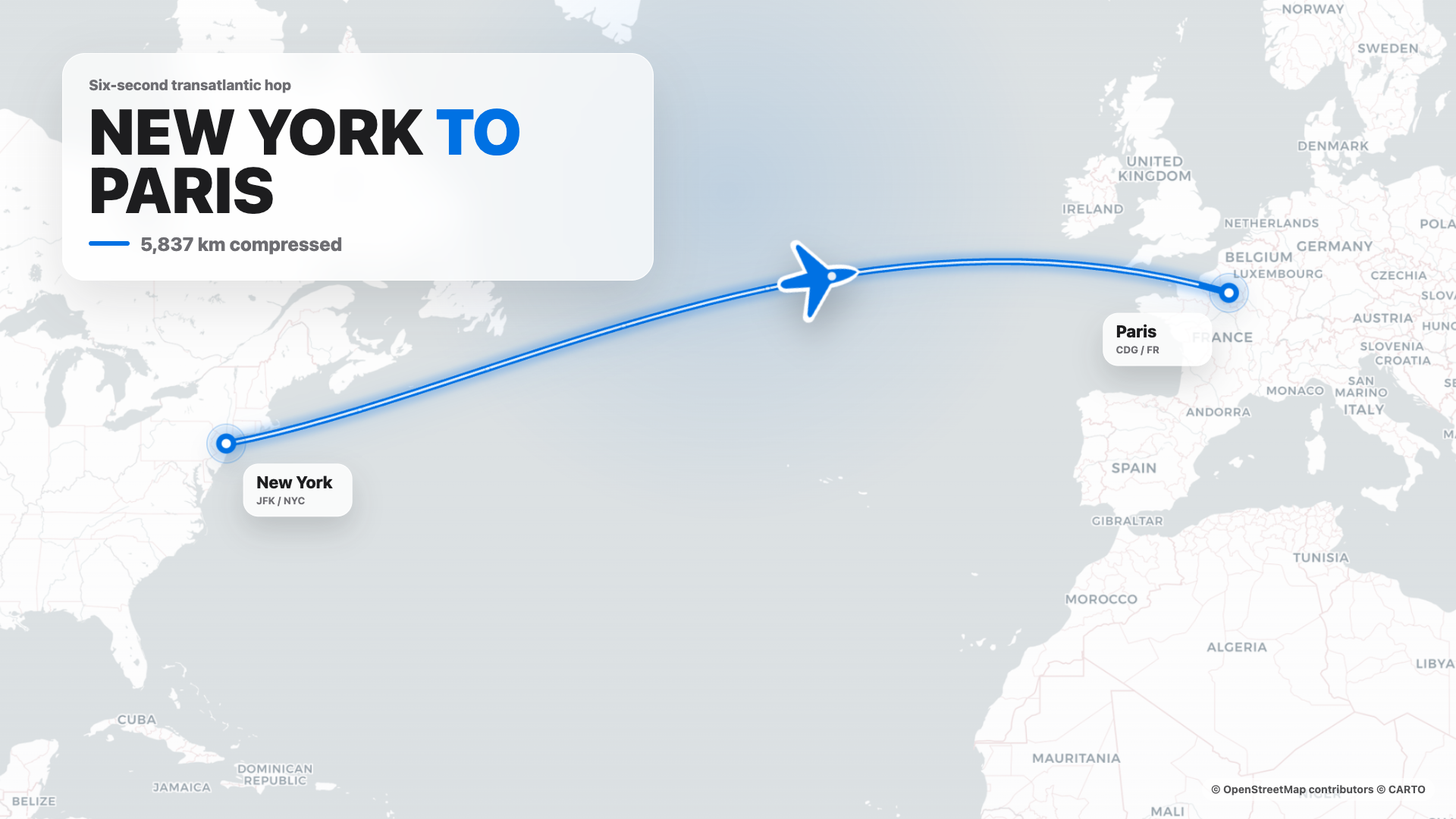 Flight map · 16:9 · Apple-style route reveal |
4s cinematic logo outro · 16:9 · piece-by-piece assembly + bloom |
 $0 → $10K money counter · 9:16 · Apple-style hype |
 Website-to-video · 16:9 · captures the site at 3 viewports |
11 HyperFrames templates + 39 Seedance prompts ship with the repo. Catalog thumbnails © HeyGen; the framework is Apache-2.0. The OD-specific render workflow (composition cache, sandbox-exec workaround, MP4-as-chip) is detailed in design-templates/hyperframes/.
Why Open Design
In April 2026, Anthropic released Claude Design — the first time an LLM stopped writing prose and started delivering design artifacts directly. It went viral. But it stayed closed-source, paid-only, cloud-only, locked to Anthropic's model, Anthropic's skills, Anthropic's surface. No checkout, no self-host, no Vercel deploy, no swap-in-your-own-agent.
Open Design (OD) is the open-source alternative. Same loop, same artifact-first mental model, none of the lock-in:
- 🤖 Agent-native, model-agnostic. We don't ship an agent. The
claude/codex/cursor-agent/copilot/hermes/kimialready on yourPATHare the design engine. Swap with one click. - 🧠 Brand-grade by default. Every render reads the active package's
DESIGN.mdas the core brand contract. 151 design-system packages ship with the repo; legacy packages may beDESIGN.md-only, while newer packages can addmanifest.json,tokens.css, components, assets, and provenance. Drop a folder in, the picker finds it. - 🖥️ Local-first, BYOK at every layer. Native desktop apps for macOS (Apple Silicon + Intel) and Windows (x64). Linux AppImage on the optional release lane. Product analytics and session replay are consent-gated; scrubbed safety and reliability telemetry is always on. Before describing daemon data paths, contributors and operators MUST read
AGENTS.md→ Daemon data directory contract. This README MUST NOT restate it. - 🌍 Composable on four planes. Plugins carry runnable workflows · functional skills carry agent behavior · design templates carry rendering blueprints · design systems carry the brand. All four use portable, versionable directories that anyone can author and publish.
- 🔁 Refresh an existing codebase. Hand a
gitrepo +DESIGN.mdto the agent and it refactors your real components to the brand spec. Dedicated plugins migrate Figma / Pencil workflows into React / Next.js / Vue code. - 🔒 Privacy by conviction. Everything runs where your data lives — your laptop, your team's server, your Vercel project. When the network is needed, the BYOK proxy is SSRF-guarded.
Comparison
| Claude Design | Figma | Lovable / v0 / Bolt | Open Design | |
|---|---|---|---|---|
| Open source | ❌ | ❌ | ❌ | ✅ Apache-2.0 |
| Self-host / desktop | ❌ | ❌ | ❌ | ✅ macOS + Windows + Docker + Vercel web |
| Agent-native (runs in your CLI) | Anthropic only | ❌ | Cloud agent only | ✅ 25 CLIs + BYOK |
Brand-grade DESIGN.md |
Proprietary | Theme JSON | Limited tokens | ✅ 151 systems shipped |
| Skills / plugins / templates | Closed | Plugin store | Closed | ✅ 100+ functional skills · rendering templates · 277 plugins |
| HyperFrames (HTML→MP4) | ❌ | ❌ | ❌ | ✅ First-class |
| Refresh an existing repo to brand | ❌ | ❌ | ❌ | ✅ via agent + DESIGN.md |
| Minimum billing | Pro / Max / Team | Pro / Org | Pro / Team | BYOK · any compatible endpoint |
Quick start
🖥️ Download the desktop app (recommended — zero config)
The fastest way to use Open Design. No Node, no pnpm, no clone.
- macOS (Apple Silicon · Intel x64) → open-design.ai or GitHub Releases
- Windows (x64) → open-design.ai or GitHub Releases
- Linux (AppImage, optional lane) → GitHub Releases
After install: the app auto-detects every coding-agent CLI on your PATH, lo